Have you ever stopped to think about what actually happens in the milliseconds between typing a URL and seeing a fully-rendered webpage appear in your browser? It feels like magic, but behind the scenes, there’s a fascinating dance of interconnected technologies making it all possible.
At HimariDT, we love exploring technical things, so today, we’re going on a journey to understand the fundamental mechanics of how a website works.
Clients, servers and networks
Let’s establish the core players first:
- Your Computer/Phone (The Client): This is the device you’re using. When you open a web browser (like Chrome, Firefox, Edge, Safari), your device acts as a “client”, requesting information from other computers.
- The Internet (The Network): This is the vast global network of interconnected computers that allows clients and servers to communicate. It’s the highway for all data.
- Web Servers (The Servers): These are powerful computers specifically designed to store website files (HTML, CSS, JavaScript, images, videos) and “serve” them up when requested. Think of them as digital librarians waiting for your request.
Essentially, when you want to visit a website, your client sends a request across the internet to a server, which then sends the website’s files back to your client. Your client (specifically, your web browser) then interprets these files and displays the website on your screen.
The steps of serving a website
Step 1. You type an URL (a.k.a the web request)
Let’s say you want to visit “www.himaridt.buzz”. You type this address into your browser’s address bar and hit Enter. This seemingly simple action kicks off a complex sequence of events.

Step 2. DNS lookup (finding an address)
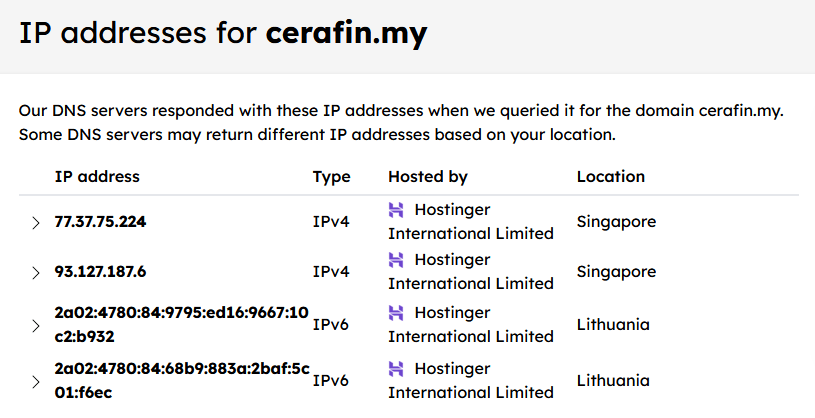
Initially, the computer doesn’t understand what is “himaridt.buzz”. Computers communicate using numbers called IP addresses (e.g., 192.0.2.1 or 2001:0db8::8a2e:0370:7334).
This is where the Domain Name System (DNS) comes in. Think of DNS as the internet’s phonebook. When you type “himaridt.buzz”, your browser first asks a DNS server: “What’s the IP address for himaridt.buzz?”
- Your computer sends a request to a DNS resolver (either provided by your ISP, or you can specify one yourself).
For example, Google’s DNS resolver is8.8.8.8, or Cloudflare’s DNS resolver is8.8.4.4. - If the resolver doesn’t know, it queries other DNS servers (root servers, TLD servers) until it finds the authoritative server for “himaridt.buzz”.
- The authoritative server replies with the correct IP address (e.g.,
203.0.113.89). - Your browser receives this IP address and caches it for a while so it doesn’t have to look it up again immediately.
This entire process can take from several miliseconds to seconds, depending on your network and DNS resolver’s performance. So choosing a proper DNS resolver is also necessary to improve your browsing experience, especially when visiting a new website.
Step 3. The HTTP request (asking for the page)
Now that your browser has the IP address of himaridt.buzz’s web server, it can finally communicate directly with it.
Your browser sends an HTTP (Hypertext Transfer Protocol) request to that IP address. This request basically says: “Hey, server at 203.0.113.89, please send me the main page for himaridt.buzz!”
This request includes details like:
- The specific page you want (
/for the homepage). - Your browser type and operating system.
- Any cookies associated with himaridt.buzz (small pieces of data your browser stores from previous visits).

Step 4. Web server’s response
Upon receiving your HTTP request, the web server processes it:
- Locates the Files: It finds the relevant files for
himaridt.buzz(e.g.,index.html,style.css,script.js). - Server-Side Processing (The Back-End): For dynamic websites (most modern sites), the server might do some extra work before sending files. This involves:
- Interacting with a database to fetch data (e.g., blog posts, user profiles, product information).
- Running code in languages like Python, PHP, Node.js, Ruby, or Java to generate parts of the HTML.
- Checking user login status, personalizing content, etc.
- The term “back-end” refers to everything that happens on the server side, invisible to the user.
Once all the necessary data is gathered and HTML is generated, the server sends an HTTP response back to your browser. This response includes:
- Status Code: A numerical code indicating if the request was successful (e.g.,
200 OKmeans everything went well,404 Not Foundmeans the page doesn’t exist). - Response Headers: Metadata about the response (e.g., content type, server info, caching instructions).
- The Website Files: The actual HTML, CSS, JavaScript, and other assets.
Step 5. Rendering the page
Back on your computer, your browser receives the server’s response. This is where the magic of transforming raw code into a visually appealing webpage happens. This process involves:
- Parsing HTML: The browser reads the HTML (Hypertext Markup Language) file. HTML is the skeleton of the webpage, defining its structure (headings, paragraphs, images, links).
- Fetching Resources: As the browser parses HTML, it discovers references to other files, like:
- CSS (Cascading Style Sheets): These files dictate the visual appearance – colors, fonts, layout, spacing.
- JavaScript: This is the programming language that makes websites interactive (animations, form validation, dynamic content updates, handling clicks).
- Images, videos, fonts, etc. The browser sends additional HTTP requests for these resources and fetches them from the server.
- Building the DOM: The browser creates a Document Object Model (DOM), which is a tree-like representation of the HTML structure that JavaScript can interact with.
- Applying CSS: It applies the styles defined in the CSS files to the HTML elements.
- Executing JavaScript: Finally, it runs the JavaScript code, which can modify the DOM, fetch more data (AJAX), and add dynamic behavior.
As these steps unfold, your browser progressively renders the page on your screen, often displaying content even before all resources are fully loaded. This is why you sometimes see text appear first, then images, and then interactive elements.
Front-end vs. Back-end
This process highlights the clear distinction between “front-end” and “back-end” development:
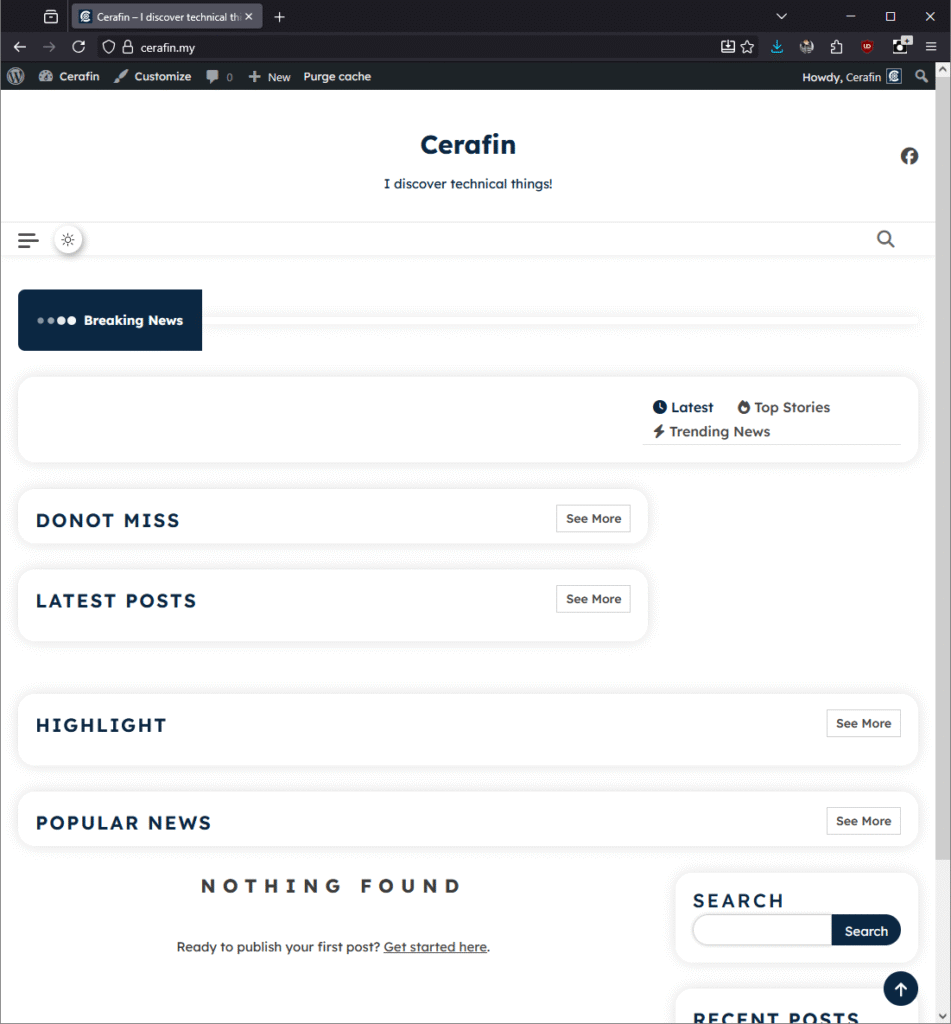
- Front-end: Everything the user sees and interacts with in the browser. This involves HTML, CSS, and JavaScript. It’s about presentation and user experience.
- Back-end: Everything that happens on the server, invisible to the user. This includes server-side languages, databases, APIs, and business logic. It’s about data management and functionality.
From a simple URL typed into a browser, a complex and highly coordinated system springs into action, involving global networks, specialized servers, and sophisticated software. The next time you visit a website, you’ll know that you’re witnessing an incredible feat of modern technology in action!
Feel free to drop any questions in the comments below, and let us know what other tech topics you’d like us to discover.